Data Import
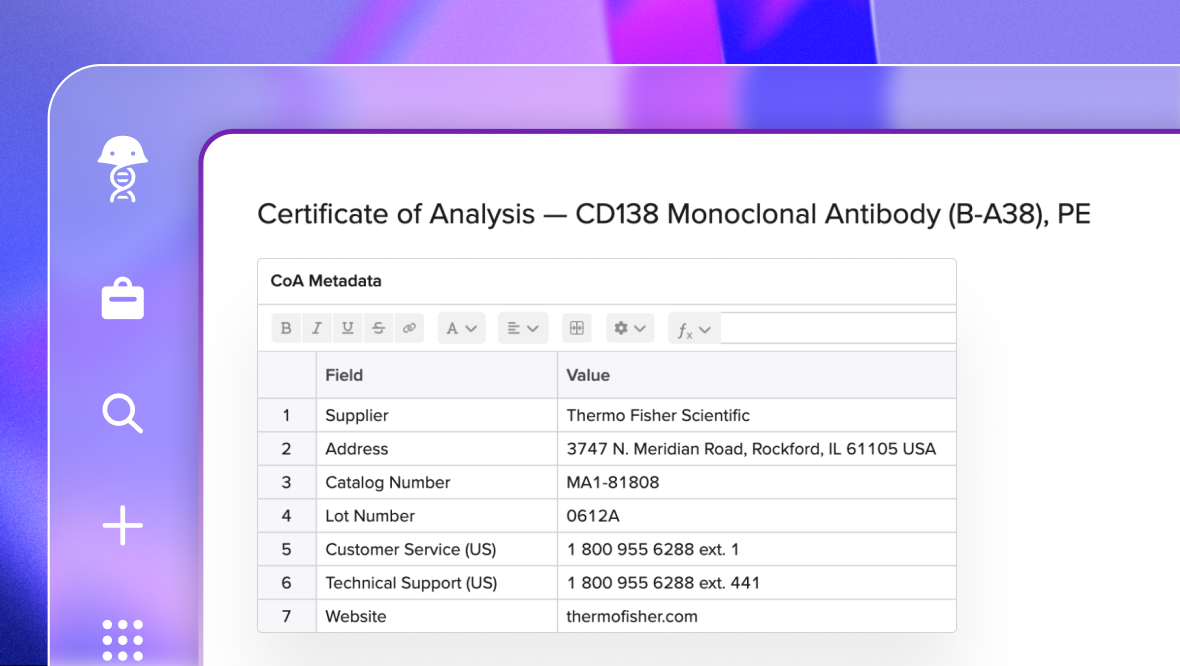
Import any external record in minutes. Benchling AI reads CRO reports, CDMO batch records, vendor CoAs, and other external files, structuring the data directly into Benchling. Spend your time on the analysis, not the entry.
Accurate imports, structured from the start
Structured data lands where it belongs
Files don't get flattened into a notes field. Results route into results schemas, lot information into registration records, and source files into attachments, so every value lands somewhere structured, searchable, and ready for AI from the moment it arrives.
Verified across multiple models
Behind a simple file upload, Benchling AI makes multiple calls in sequence to plan the extraction, process the file piece by piece, and verify the output across models before anything reaches your entry. The result is data you can trust, not a first pass you have to clean up.
Context-aware, not just format-aware
The skill uses your open notebook entry as context during import. If your CRO calls a sample "C1" and your Benchling ID is "BNCH157," it makes that connection automatically. Your IDs, your schema, not whatever the vendor happened to use.
Explore AI Data Import prompts

CRO study import
Import this CRO-run nonclinical study report and populate the in vivo animal observation tables with dose group, body weight, and clinical findings.
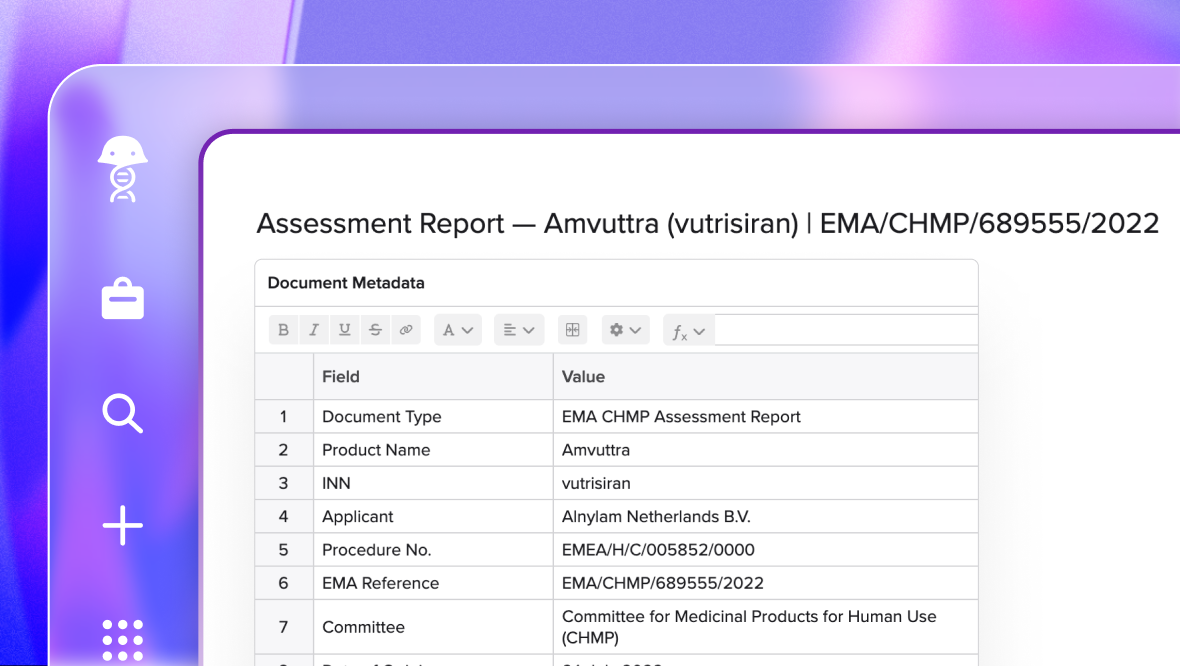
CDMO batch record import
Import this CDMO batch record and route each manufacturing step table into the corresponding process development schema.
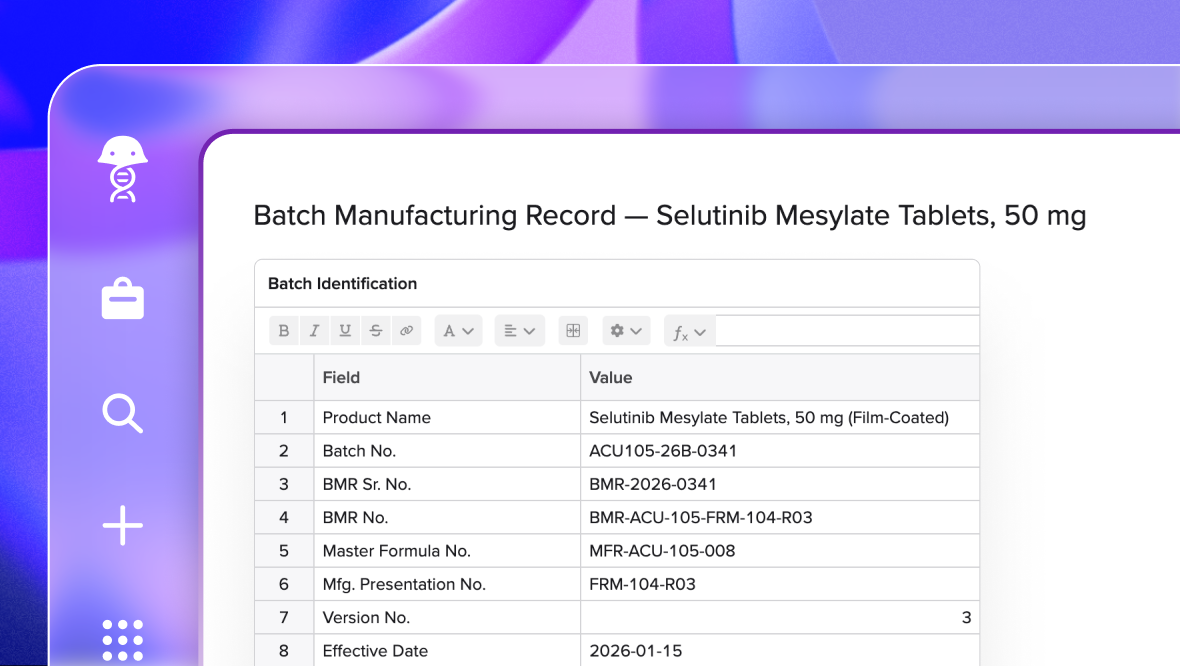
Legacy data import
Import this legacy ELN entry, search for the relevant schemas, and then map any unstructured data into structured tables in a new Benchling entry.
Learn how teams are using AI