
Report
Benchling AI Capabilities
Your notebook is now your AI interface. Describe what you need and Benchling AI gets to work, whether that's importing data, analyzing results, writing a report, or running a model.
Benchling AI is easy to use. Just enter in what you want to do and we’ll read the context of your experiment, pull from your data and our pre-built skills, and complete the work for you, whether that’s a quick lookup, a cross-study analysis, or the first draft of a study report.
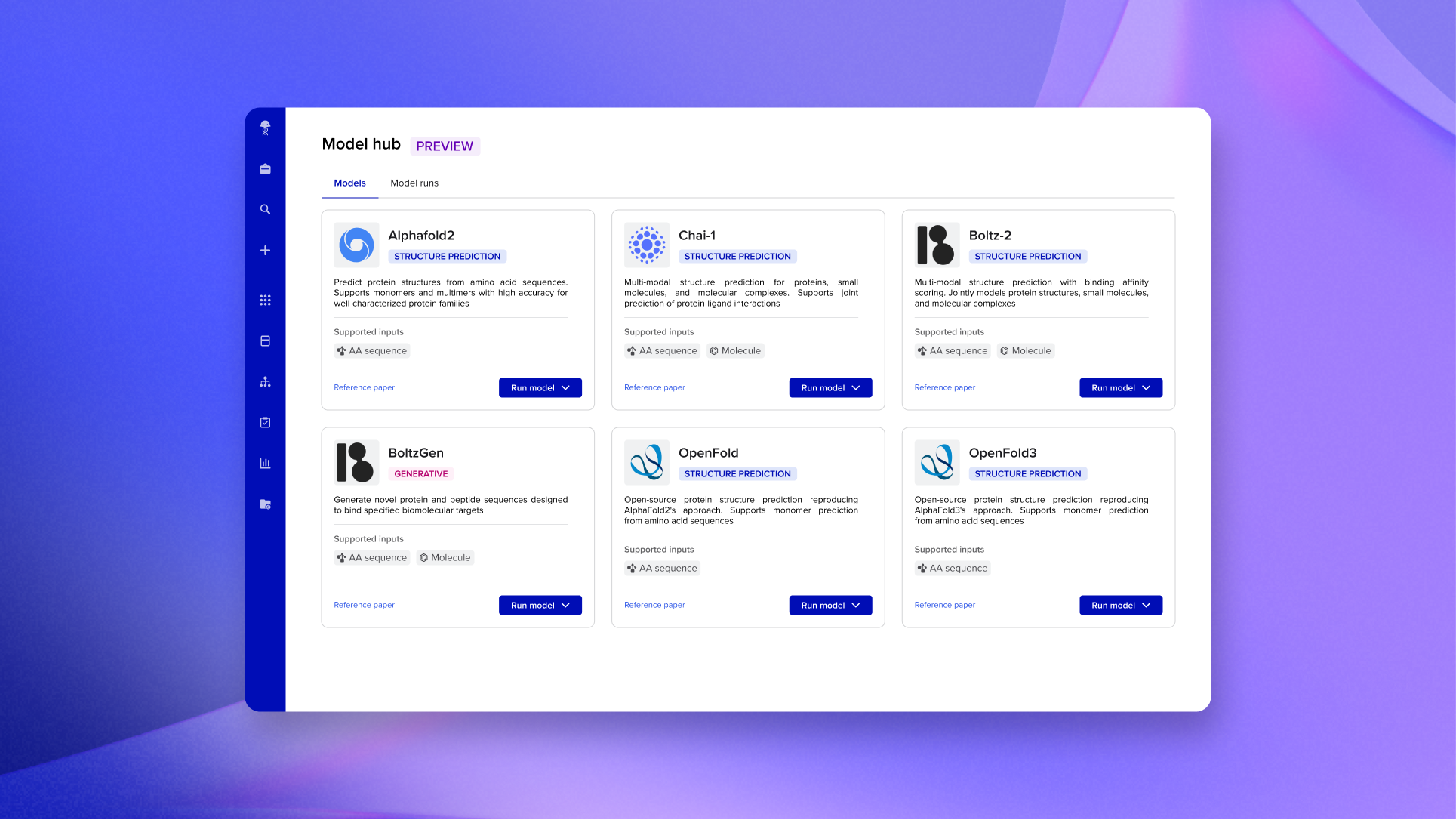
Every scientist gets direct access to leading models directly inside Benchling — AlphaFold 2, Boltz-2, Chai-1, and more — without infrastructure overhead or context switching. Submit batch predictions across hundreds of sequences, track every run with a full audit trail, and get results back as structured data connected to your experiments.
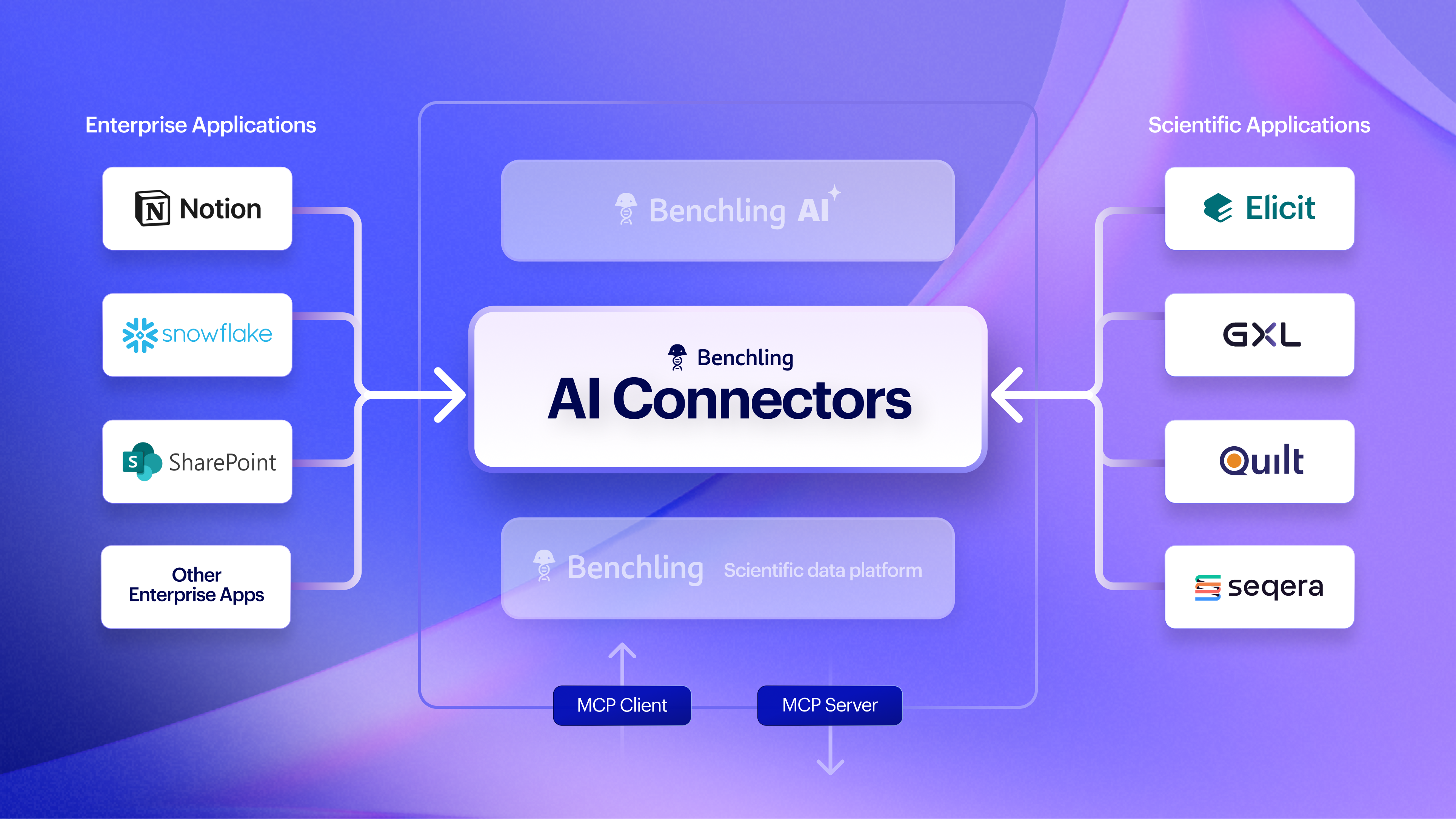
AI Connectors let you pull external data directly into your workflow without switching tools or running a separate query. The MCP Directory includes ready-to-use integrations for biomedical literature, bioinformatics pipelines, large datasets, and enterprise knowledge bases. Admins can activate connectors without custom development work, and if you have your own MCP server, you can connect any system in your stack.
Explore AI biotech resources
Browse practical AI use cases, prompts, and stories from scientists using Benchling AI to move faster and discover more.